Chromebooks and budget laptops are great for the web, but many of them have small processors and not much memory, and some cannot install games at all. Every game on this site runs in the web browser, so there is nothing to download or install. Some games still run much better than others on a slower laptop, and that is what this guide is about.
Below are the games that load quickly and stay smooth on modest hardware, the ones that play best on a trackpad or keyboard, and a few simple changes that make any game run better and help your battery last longer.
What makes a game run well on a Chromebook
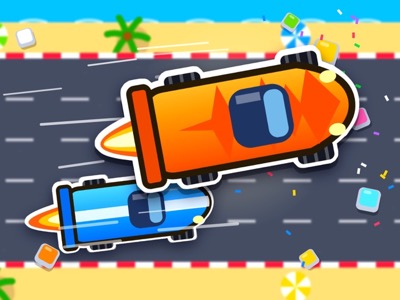
The biggest difference is 2D versus 3D. A 2D game draws flat pictures, which almost any computer can do quickly. A 3D game builds a whole world with lighting and a moving camera every frame, which takes far more work. On this site, games like Storm Royale, Block World, Kart Racer, Turbo Ball and Road Hopper are 3D, so they are the ones most likely to stutter on an older Chromebook. Most of the puzzle, board, clicker and classic arcade games are 2D and stay smooth.
Controls matter too. Many Chromebooks and small laptops are used with just the trackpad, so games that play fully on the keyboard, or with simple clicks and drags, are easier than games that need fast mouse aiming. And if your Chromebook has a touch screen, many games show on-screen buttons or let you swipe.
Light, fast arcade games that start instantly
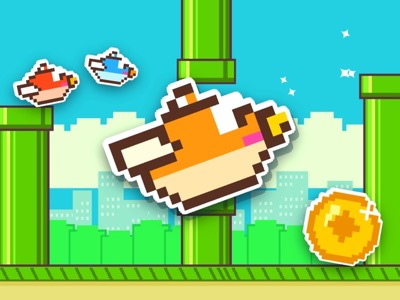
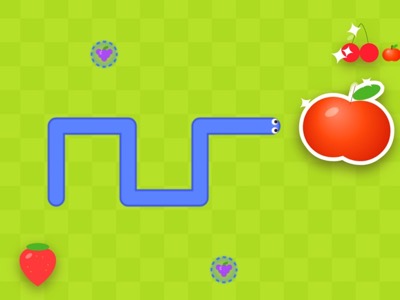
If you only have a few minutes, pick something that starts instantly and ends quickly. Desert Dino is a pixel-art runner: Space or Up to jump, Down to duck, and it keeps speeding up, with night falling every 700 points. Flap Dash needs only one key, Space, Up, W or a click, to flap through the pipes. Classic Snake plays on the arrow keys or W A S D and has six modes, including Peaceful, where you can never crash, which is nice when you want something calm.
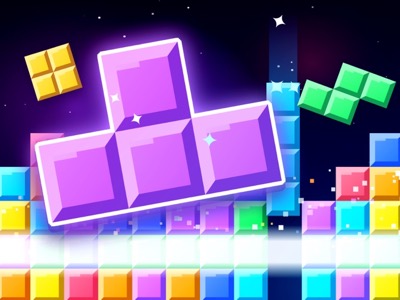
Block Drop is the falling-block puzzle with four modes. Sprint asks you to clear 40 lines as fast as you can, and Ultra lasts exactly 2 minutes, so both fit neatly into a short gap. Block Drop also pauses by itself if you switch to another tab. All four of these games are 2D, use the keyboard and run well on low-power laptops.

Puzzles you can put down and pick up
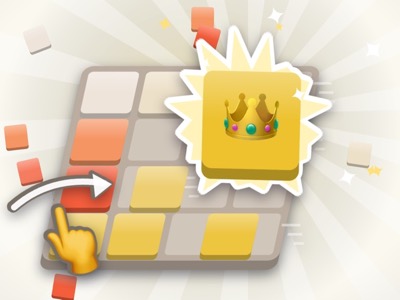
Puzzle games suit a laptop well because there is no clock pushing you, and several of them save where you left off. Merge 2048 remembers your board for every board size, so you can close the tab when something comes up and carry on later. It plays on the arrow keys or W A S D, and U takes back a move, up to ten times.
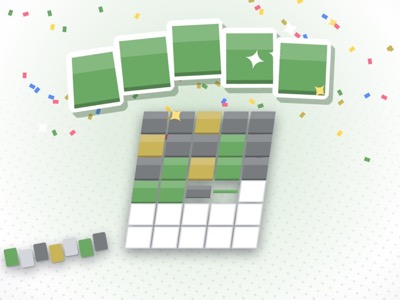
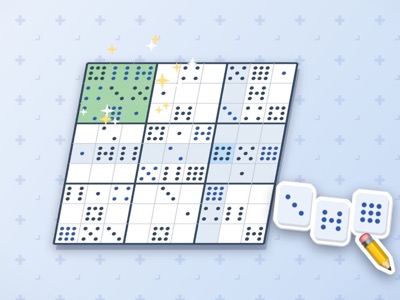
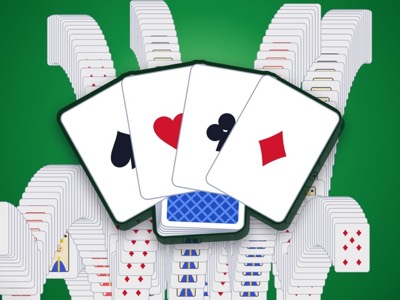
Word Guess has one Daily word that is the same for everyone and changes each day, so it takes only a few minutes and gives you something to compare with friends. Sudoku has a Daily challenge too, with puzzles from Easy to Expert. Solitaire is classic Klondike with Draw 1 for an easier game and Draw 3 for a harder one, and it plays well with clicks on a trackpad.
Games that also build real skills
Some games are fun and practise something useful at the same time. Speed Typer is a typing race where every correct letter moves your car forward. Your speed is measured in words per minute, and the other racers adjust to your level, so you are always in a close race. Practice mode has home row, top row and bottom row drills, which is helpful if you are learning to type without looking, and a Chromebook keyboard is a perfectly good one to learn on.
Math Duel is a math race with levels from Kindergarten to Grade 6. Questions match the level you pick, from adding within 5 to fractions, percents and order of operations, and you can type your answers instead of clicking them. Chess has a Bot on three levels: Easy looks one move ahead, Normal about three and Hard about six, so you can grow into it. Element Mixer starts with Fire, Water, Earth and Air and lets you discover more than 600 things by mixing them, which is a fun way to think about how things connect.
Longer games that keep your progress
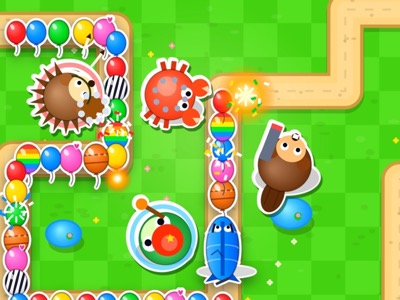
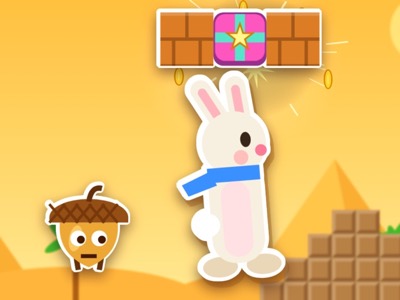
When you have more time, these 2D games give you something to build on without asking much of your laptop. Monster Tamer is a creature-catching adventure with 52 creatures and six gym badges, and it saves automatically. Balloon Defense is tower defense with ten critter towers and six maps, and it saves between rounds. Super Hop is a platform adventure with 16 stages in 4 worlds, and the world map remembers every stage you clear.
Idle Tycoon is a good one for short visits: hire managers and your businesses keep earning while you are away, for up to 48 hours. You can check in for a minute, buy a few upgrades and close the tab again, which also means the game is not using your battery while it earns.
Two players on one Chromebook
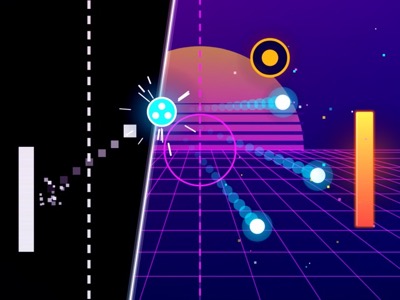
Playing with a friend on the same laptop works well on the 2D games, because there is only one screen to draw. In Paddle Duel, Player 1 uses W and S and Player 2 uses the up and down arrows. In Quick Draw, Player 1 presses Space or F and Player 2 presses Enter or L when DRAW! appears, and an early press loses the round. Board games like Checkers and Four in a Row are pass-and-play: you take turns clicking on the same screen.
Some keyboards stop reading keys when lots are held down at once, which can happen when two people mash keys together. Small laptop keyboards are the most likely to do this. If a key seems to stop working, it is usually the keyboard, not the game. One-button games like Quick Draw are the least affected.

Tips that make games run better
Close the tabs you are not using. Every open tab takes some memory, and on a Chromebook with little memory, a game can slow down just because a few heavy pages are open in the background. Closing them is the single most helpful thing you can do.
Use the Fullscreen button under the game. It makes the game bigger and hides the rest of the page, so nothing else on the page pulls your eye away. Press Esc to leave fullscreen. Many games also pause with Esc or P, which is handy when you need to stop quickly.
If a 3D game still stutters, try a 2D game from this guide instead. Some of the newer 3D games, like Volt Trails, check how fast your computer is and lower the detail on their own. And the sound button at the top of the site turns sound off, so you can play quietly without headphones.
Saving battery, and how saving works
Games are some of the hardest work a laptop does, and 3D games drain the battery fastest. On battery power, 2D games like the puzzles and board games here last much longer. Plugging the Chromebook in can also make 3D games smoother, since many laptops slow themselves down to save power when unplugged. Turning the screen brightness down a step helps more than most people expect.
There are no accounts on this site. Your best scores, unlocks and saved games are kept in the browser on the device you play on, and nothing is sent to us. That means your progress stays on that Chromebook. If you switch to a different laptop, or the browser data is cleared, the game starts fresh. This is also why there is nothing to sign up for and no personal information to give.