You do not need two computers or two controllers to play against a friend. Dozens of games on this site split one keyboard down the middle: one player sits on the left with the letter keys, the other sits on the right with the arrow keys, and you play on the same screen. Most of them also have a computer opponent with easy, normal and hard levels, so either of you can practise first.
This guide groups the best ones by how much there is to learn, lists the exact keys for each player, and ends with tips that make sharing a keyboard work better.
How one-keyboard games split the keys
Almost every game here uses the same layout, so once you learn it you can jump between games. Player 1 moves with W A S D and uses Space as the main button, with F, G and nearby letters for extras. Player 2 moves with the arrow keys and uses Enter as the main button, with L, K and nearby keys for extras. The two hands stay far apart, so you are not bumping elbows.
To start a two-player match, choose the 2 players option on the game's menu instead of the bot. When you play alone you are Player 1, and in most of these games you can use either set of keys.
One-button games: easiest to pick up
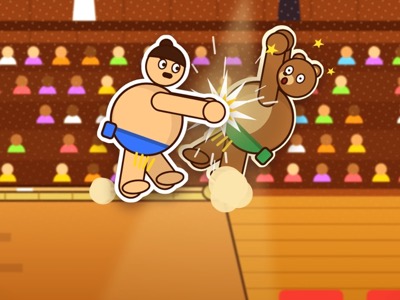
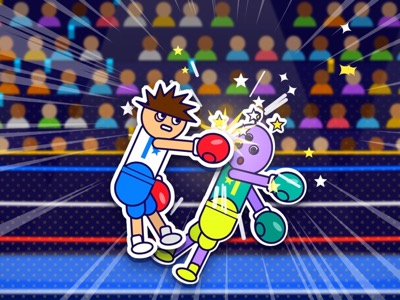
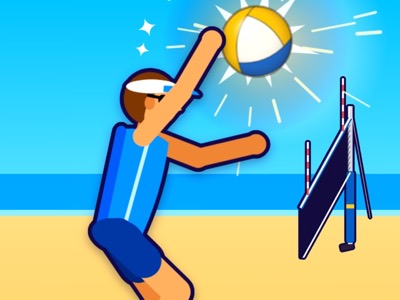
These are the best place to start, especially with a younger brother or sister, because each player has exactly one key. In Sumo Ring, Player 1 presses W or Space and Player 2 presses the up arrow or Enter. Each press makes your floppy wrestler hop the way it is leaning and shove, and the first to push the other off the ring 5 times wins. Boxing Ring uses the same keys: hop and punch, and the first to 5 knockdowns wins. Beach Volleyball is 2 v 2 with the same one button, and the first team to 5 points wins.
The trick in all three is timing, not speed. Your character rocks back and forth, so wait until it leans toward your rival before you press. Mashing the key just sends you hopping the wrong way.
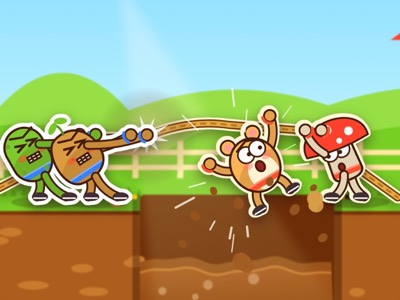
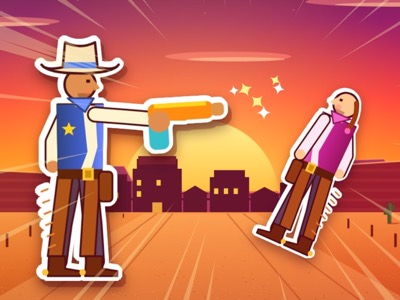
Tug of War also uses W or Space against the up arrow or Enter, but here you press on the beat for big PERFECT heaves. Quick Draw is the purest test of reactions: Player 1 presses Space or F and Player 2 presses Enter or L, but only after the big red DRAW! appears. Go early and you lose the round, and there are fake-outs to catch you. Quick Draw's setup screen also lets each player change their key.
Simple head-to-head classics
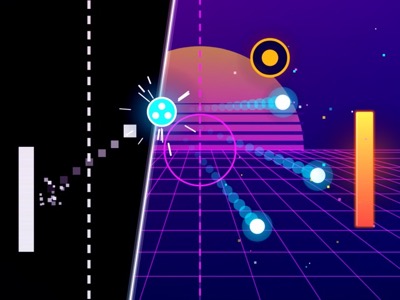
Next step up: games with movement plus one action. Paddle Duel is the classic two-paddle game. Player 1 uses W and S, Player 2 uses the up and down arrows, and Classic mode is first to 11. Neon mode adds power-ups and obstacle courts when you want something new.
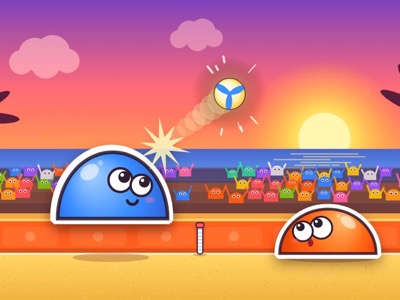
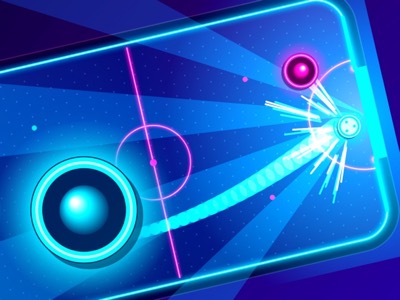
Blob Volley is bouncy volleyball with a jelly blob each. Player 1 moves with A and D and jumps with W or Space, Player 2 uses the left and right arrows and jumps with the up arrow. There is no touch limit and the first to 7 wins. Air Hockey gives Player 1 W A S D and Player 2 the arrow keys to steer a mallet around a neon table.
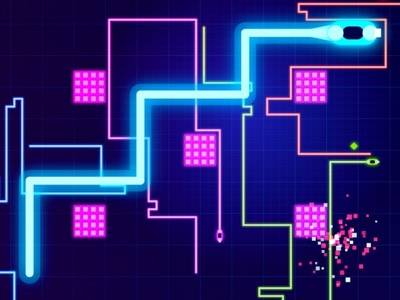
Neon Trails is a light rider duel where touching any trail knocks you out. Player 1 steers with W A S D and boosts with Space or F, Player 2 uses the arrow keys and boosts with Enter or L. Try the Squeeze arena, where the border closes in.
Sports with special moves
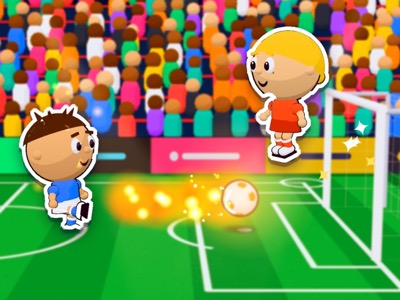
These games have more buttons, so they reward a bit of practice against the bot first. In Soccer, a big-head 1 v 1 match, Player 1 runs with A and D, jumps and heads with W, kicks with Space (tap to pass, hold for power), slide tackles with S and fires a super shot with F. Player 2 uses the left and right arrows, the up arrow, Enter, the down arrow and L. Matches last 90 seconds, with golden goal if it is level.
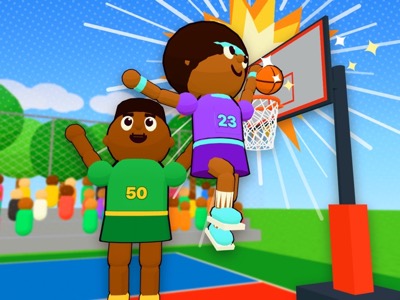
Basketball follows the same pattern. Player 1 moves with A and D, shoots or blocks with Space, crosses over or steals with F, spins with S and uses W for the special. Player 2 uses the arrows, Enter, L, the down arrow and the up arrow. Hold the shoot key and let go when the white bar hits the green line, and first to 21 wins.
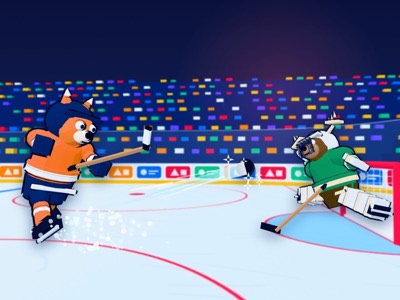
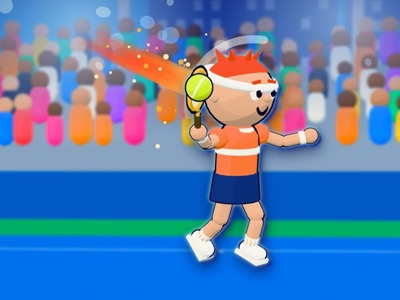
Ice Hockey adds passing and turbo. Player 1 skates with W A S D, shoots or checks with Space, passes with F and boosts with Shift. Player 2 skates with the arrows, shoots with Enter, passes with L and uses right Shift for turbo. Tennis uses W A S D, Space to hold for a power shot and F to slice for Player 1, and the arrows, Enter and L for Player 2.
Brawls and battles
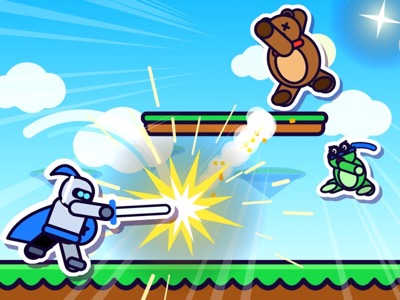
Brawl Arena is a platform fighter where hits raise your damage percent until a smash launches you off the screen. Player 1 moves with A and D, jumps with W (twice for a double jump), attacks with F or Space, uses specials with G and shields with H or Left Shift. Player 2 uses the arrows, attacks with K or Enter, specials with L and shields with J or Right Shift.
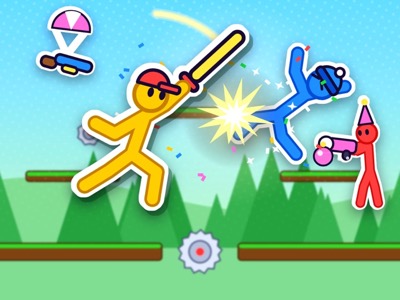
Stick Scramble is a floppy stickman brawl with weapons dropping from the sky. Player 1 runs with A and D, jumps with W, punches or shoots with Space or F, blocks with G and throws a weapon with E. Player 2 runs with the arrows, punches with Enter or L, blocks with K and throws with J.
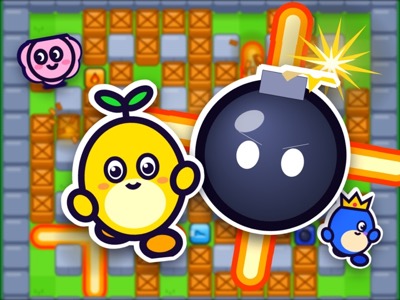
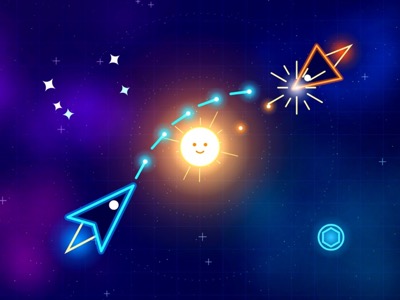
Bomb Blast pits you and a friend against 2 bots in a maze. Player 1 moves with W A S D, drops bombs with Space and sets off remote bombs with F. Player 2 moves with the arrows, drops bombs with Enter and uses L for remote bombs. Orbit Duel is a space dogfight around a star: Player 1 turns with A and D, thrusts with W and fires with Space, Player 2 turns with the left and right arrows, thrusts with up and fires with Enter.
Racing and arena games
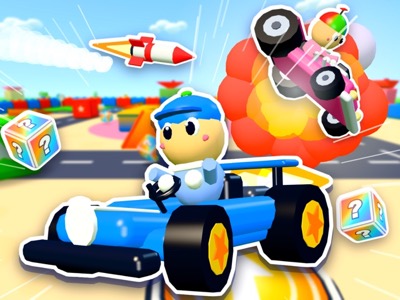
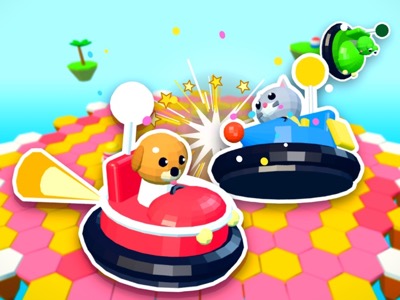
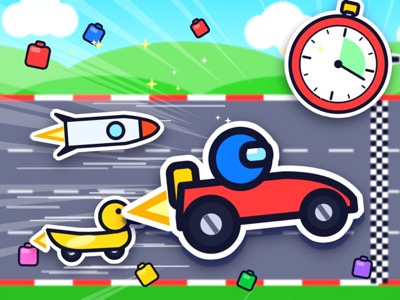
Kart Racer has split screen, so each player gets their own half. Player 1 drives with W A S D, uses items with Space and drifts with Left Shift. Player 2 drives with the arrows, uses items with Enter and drifts with Right Shift. Bumper Cars puts you on a shrinking tile arena: Player 1 steers with W A S D and holds Space to charge a ram, Player 2 steers with the arrows and holds Enter.
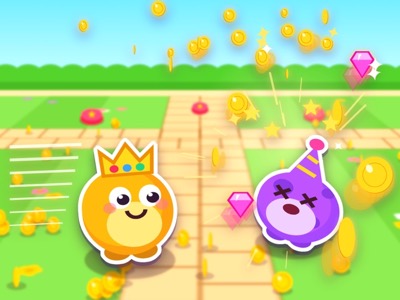
Coin Rush is a 60 second coin grab. Player 1 moves with W A S D and dashes with Space, Player 2 moves with the arrows and dashes with Enter, and dashing into a rival makes them spill coins. These three are good for mixed ages, because even a player who is still learning can grab coins or bump into things and feel part of it.
Games that sneak in some learning
Math Duel is a math race for Kindergarten to Grade 6, and in two-player mode each player picks one of four answers with their own keys: W A S D for Player 1 and the arrow keys for Player 2. Right answers zoom your racer forward and wrong ones spin you out. Both players race at the same grade, so pick one that suits you both, or let the older player race a grade higher in solo mode first to warm up.
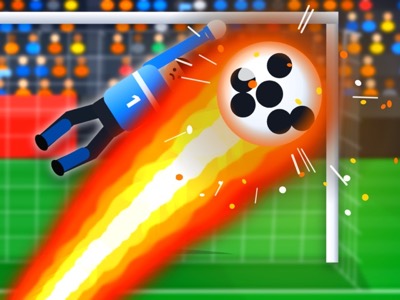
Penalty Kicks is a shootout where you take turns. Player 1 aims with W A S D and uses Space to start and stop the power meter, Player 2 uses the arrows and Enter. When you are in goal, press a direction to dive. Five kicks each, then sudden death.
Tips for sharing one keyboard
Learn on the bot first. A new player who already knows the keys has much more fun than one who is reading the controls while losing. The Controls button under each game shows the full list for both players any time you need it.
Watch out for keyboard ghosting. Some laptop keyboards stop reading new keys when several are held at once, so if a key seems to stop working mid-game, that is usually the keyboard, not the game. One-button games like Sumo Ring and Quick Draw are the least affected, and an external keyboard often helps.
Swap sides between matches, since the arrow keys feel different from W A S D. Use the Fullscreen button so the game fills the screen for both of you, and press Esc or P to pause in most games when someone needs a break. Coins and unlocks are saved in your browser on that device, so whatever you earn together is still there next time.